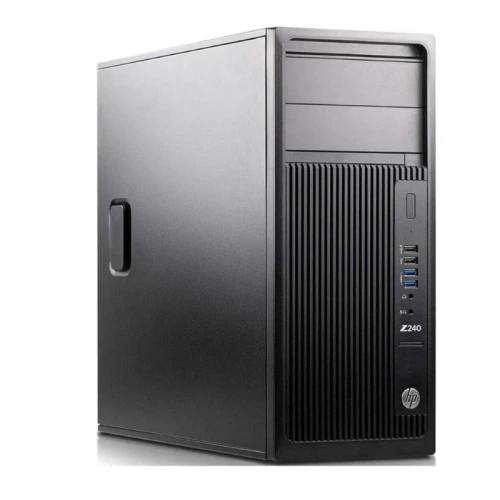
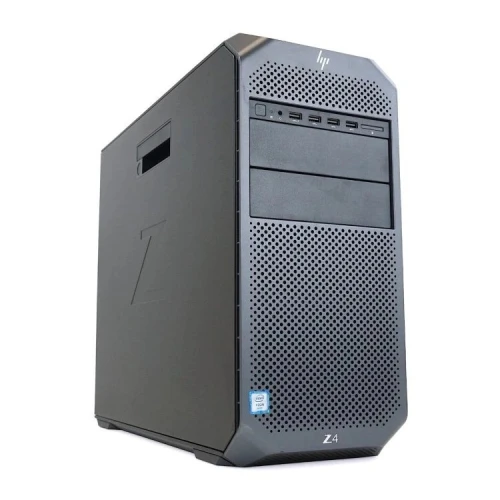
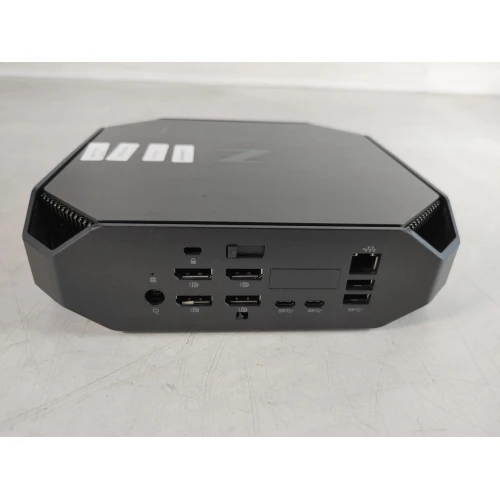
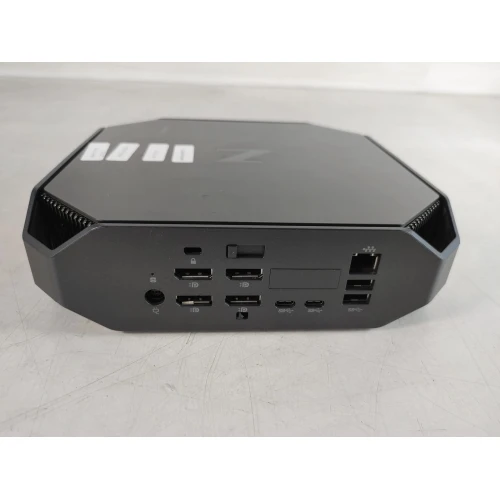
The Z2 Tower G4 is a workstation-class desktop from HP aimed at professional workloads: CAD, 3D design, video editing, engineering software, business-class reliability, etc. FlixCar+2Manualshelf+2
-
The Xeon E-2104 is in the list of supported CPUs for Z2 G4 per the official specification sheet (the E-2100 family, which includes E-2104) FlixCar+1. That means the system should properly boot and run with that processor. FlixCar+1
-
Memory: you have 32 GB DDR4, which is within the supported memory configurations for Z2 G4. Officially, Z2 G4 supports up to 128 GB RAM, depending on modules used. wodex.co.ke+1
-
Storage: a 512 GB SSD — Z2 G4 supports SSDs (SATA or NVMe, depending on model) and multiple drive bays/slots for expansion. cdn.blueally.com+1
-
Graphics: the “officially supported” GPUs for Z2 G4 (per HP QuickSpecs) are mostly workstation-class cards (e.g. NVIDIA Quadro series, AMD Radeon Pro / FirePro / WX series) rather than consumer-gaming cards. tracosys.cz+2Manualshelf+2
-
Expansion slots: Z2 G4 has one PCIe x16 slot (for discrete GPU) among its expansion options. tracosys.cz+1
-
Good for CAD, 2D/3D design, engineering software, office work, data processing — Xeon CPU + ECC-capable memory (if ECC used) gives reliability and consistency for work tasks.
-
Multitasking, software suites, editing, rendering pipelines — 32 GB RAM + SSD ensures OS and apps run smoothly, with reasonable responsiveness.
-
Storage-upgrade potential — you can add more drives (HDD or SSD) because Z2 G4 offers multiple bays/slots. cdn.blueally.com+1
-
Flexibility — with PCIe x16 slot free, you could install a discrete GPU for GPU-accelerated tasks (rendering, GPU compute, maybe even some gaming) — though this is outside typical “official spec.”
-
Officially, Z2 G4’s certified GPUs are workstation-class cards (Quadro / Radeon Pro / FirePro etc.). tracosys.cz+2Manualshelf+2
-
For consumer GPUs like RTX 3070, the concerns are often around power supply (PSU) and power-connector support: The default PSU in many Z2 G4 units is 500 W. Reports from users indicate that 500 W (stock) may be borderline or insufficient for modern high-power GPUs (like a 3070). HP Community+2Lansotech solutions Ltd+2
-
There are cases (from forums & user reports) where people successfully installed GPUs like 3060 Ti (or similar) in Z2 G4 — after verifying PSU capacity or upgrading PSU. Reddit+2Reddit+2
-
Some users who attempted GPU upgrades on Z2 G4 encountered boot/display issues unless they adjusted certain BIOS settings (e.g. PCIe slot enablement) or disabled features like “Secure Boot.” Example from user:
aming GPU” flexibility — good if you want
⚙️ What This Configuration Means in Practice — Strengths & Use Cases
With the given build — Xeon E-2104 + 32 GB RAM + 512 GB SSD — the base system is well-suited for stable professional workloads:
🔎 The GPU Twist — RTX 3070 on a Workstation Built for Professional Cards
Using a consumer / gaming-class GPU (RTX 3070) in a Z2 G4 — while possible — has tradeoffs. Some real-world user experiences raise caution:
“when I insert a new graphics card … screen is blank … I attach an adapter DP HDMI … after some unplug or plug cable it works” Reddit+1
So — while it’s technically possible to use a 3070 — you may need to upgrade/verify PSU, ensure physical