1. Start with your purpose
Ask yourself:
-
Gaming? 🎮
-
School/work (Word, browsing)? 📚
-
Video editing / design? 🎬
👉 Gaming and editing need stronger PCs than basic work.
⚙️ 2. Focus on the 4 most important parts
These matter the most in any PC:
🧠 CPU (Processor)
-
The “brain” of the computer
-
Go for: Intel Core i5 / i7 OR Ryzen 5 / 7
-
Strong CPU = faster performance
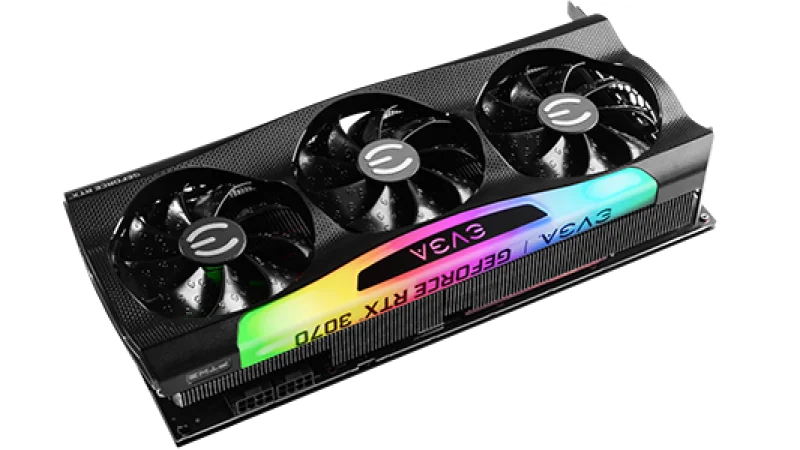
🎮 GPU (Graphics Card)
-
MOST important for gaming
-
Handles visuals and games
-
Examples: NVIDIA RTX series, AMD Radeon
👉 If you want gaming → don’t skip this
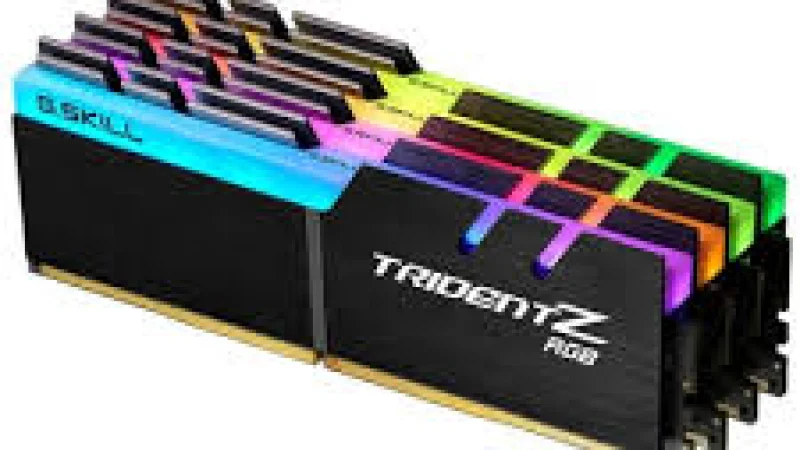
🧮 RAM (Memory)
-
Minimum: 8GB
-
Recommended: 16GB or more
-
More RAM = smoother multitasking
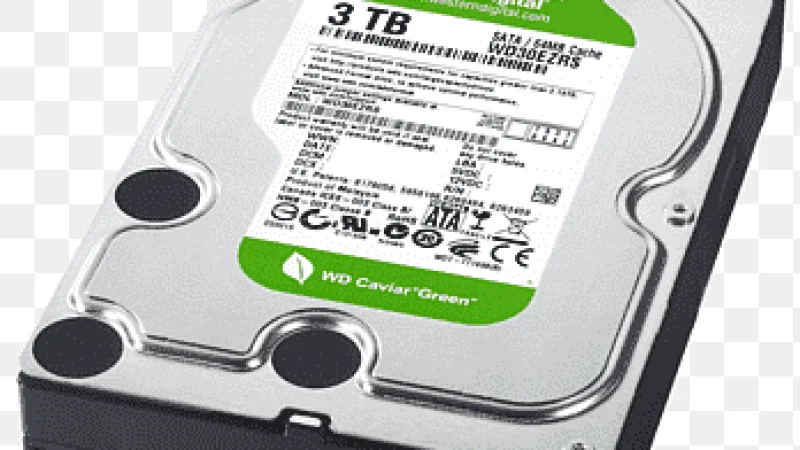
💾 Storage (SSD vs HDD)
-
Always choose SSD (fast)
-
At least 512GB SSD
-
Faster loading and boot times
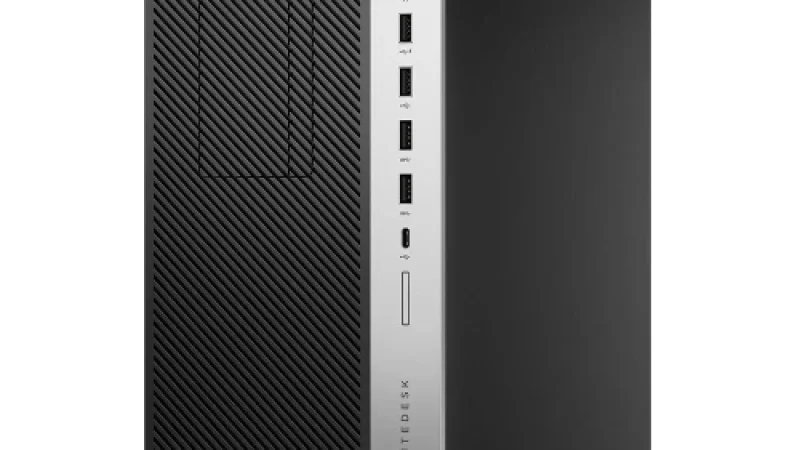
🖥️ 3. Desktop vs Laptop
-
Desktop
-
More power 💪
-
Easier to upgrade later
-
Laptop
-
Portable 🎒
-
Less upgrade options
👉 If you’re serious about gaming → desktop is better
💰 4. Set your budget (important!)
Example in Kenya:
-
Budget (basic use): ~30k–60k KES
-
Mid gaming: ~80k–150k KES
-
High-end gaming: 200k+ KES
👉 Strong PCs cost more because of GPU + CPU.
⚠️ 5. Common mistakes to avoid
-
❌ Buying high CPU but weak GPU
-
❌ Only 4GB RAM (too small today)
-
❌ HDD only (slow)
-
❌ Cheap unknown brands
✅ Simple “Good PC” checklist
If a PC has this, you’re safe:
-
✔️ Intel i5 / Ryzen 5 or better
-
✔️ 16GB RAM
-
✔️ SSD (not HDD only)
-
✔️ Dedicated GPU (for gaming)
👍 Final advice
-
Always check specs first, not just price
-
Buy from trusted sellers
-
If confused → tell me:
👉 your budget
👉 what you want (gaming, school, etc.)