1. Moving parts vs no moving parts
-
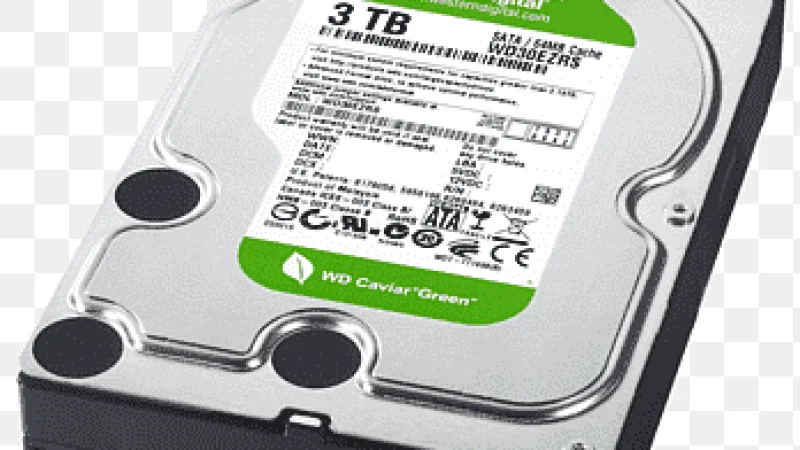
Hard Disk Drive (HDD)
-
Has spinning disks (like a CD)
-
Uses a mechanical arm to read data
-
Solid State Drive (SSD)
-
No moving parts
-
Uses flash memory chips (like a USB drive, but faster)
👉 Mechanical movement = slower
👉 Electronic access = faster
⚡ 2. Access time (biggest reason)
When your PC looks for a file:
-
HDD 🐢
→ Waits for disk to spin + arm to move
→ Takes milliseconds (slow in computer terms)
-
SSD 🚀
→ Instantly finds data electronically
→ Takes microseconds (much faster)
📊 3. Speed comparison
Typical speeds:
| Storage | Speed |
|---|
| HDD | ~80–160 MB/s |
| SSD | ~500–3500+ MB/s |
👉 SSD can be 5× to 20× faster
🖥️ 4. Real-life difference
With SSD:
-
Windows boots in 10–20 seconds
-
Apps open instantly
-
Games load faster
With HDD:
-
Boot can take 1–2 minutes
-
Apps feel slow
-
Long loading screens
🔥 5. Extra advantages of SSD
-
✅ More durable (no moving parts)
-
✅ Less noise (silent)
-
✅ Lower power usage
-
✅ Less heat
⚠️ Only downside
-
💰 SSDs are more expensive per GB than HDDs
🏁 Simple answer
👉 SSD is faster because it has no moving parts and accesses data instantly
👉 HDD is slower because it must physically move parts to find data